You described your app to an AI tool on Friday night. By Sunday it had a login screen, a dashboard, a database and a payment button, and it looked better than things agencies have shown you after three months. Then real people started using it.
This article is for the Monday after. If your app was built with Lovable, Bolt, Replit, Cursor or something similar, and it now has users, or is about to take money, here is what tends to go wrong, how to check your own app in ten minutes, and how to decide whether it needs fixing or rebuilding. I'll use the rescue projects we've done to show what the work looks like, though none of them started in a vibe-coding tool. The problems are the same ones, just arriving faster.
I'd rather be fair to them, because they are useful.
A generated prototype is a brilliant way to find out whether anyone wants the thing. It turns an idea into something you can put in front of ten customers within days, and a clickable app beats a slide deck in every sales conversation. Plenty of founders learn in a week what used to take a quarter.
The trouble is that a prototype is built to be shown, and production software is built to be trusted. Those are different jobs. The tools are very good at the first and, left alone, not very good at the second, mostly because the second is about things nobody sees in a demo.
The six problems we look for first
When someone hands us an app they didn't write, these are the things we check first. They are also the gaps most often reported in generated apps, because a demo never exercises them.
1. Security that only exists on the screen
The app hides the "Delete" button from normal users, so it looks secure. But the rule lives in the browser, not on the server. Anyone who opens the browser's developer tools can see the API calls the app makes and send the same request themselves, button or no button.
The fix is to check every permission on the server, on every request. It's the single most common gap in prototypes, generated or hand-written.
2. Keys in the frontend
To make things work quickly, generated code sometimes puts API keys or database credentials into the code that runs in the browser. Everything in the browser is public. A key for your payment provider, your email service or an AI API sitting there is a key anyone can copy and spend.
3. A database anyone signed in can read
Many of these tools use a hosted database where access rules are switched on per table. If those rules are off or too loose, any signed-in user can read, or edit, other customers' rows. In 2025 a security researcher reported that a large number of apps built with one popular generator had exactly this problem, with user data exposed. It is not hypothetical.
4. Payments that can charge twice
A customer double-clicks "Pay". Their connection drops and the app retries. The payment provider sends the same confirmation twice, which providers explicitly say they may do. A prototype often treats each of those as a new payment.
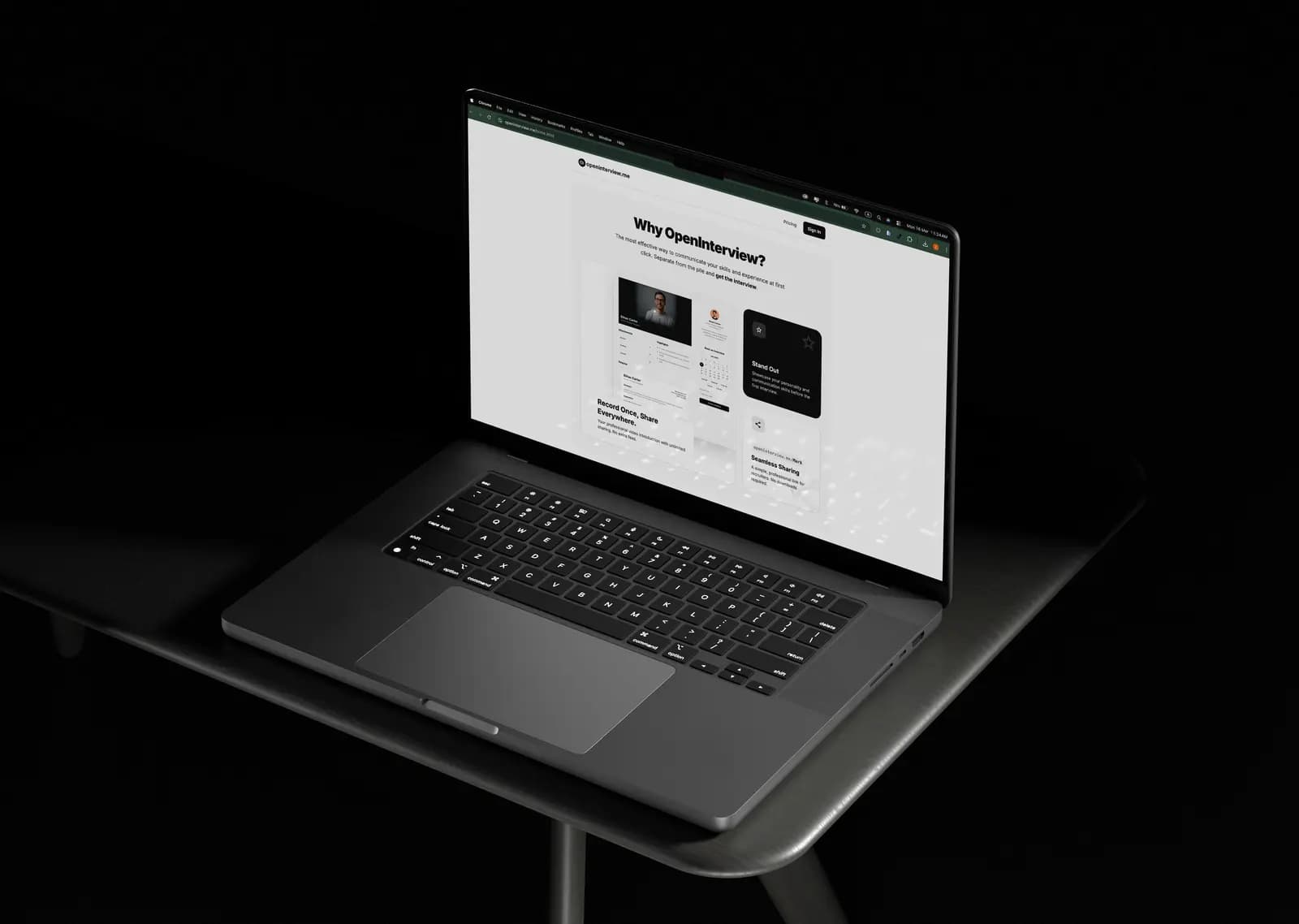
We dealt with this on OpenInterview.me, a US hiring platform that came to us as a prototype that couldn't safely take payments (more on how we work with US startups). The fix is an idempotent flow: every payment carries a unique key, and the same key can only be recorded once. Nobody gets charged twice, and your books stay right without manual clean-up.
5. No tests, no logs, no backups
The app works until it doesn't, and when it doesn't, nothing tells you what happened. There's no test suite to catch a change that breaks checkout, no log showing which request failed, and sometimes no backup of the database at all. The first time you hear about a bug is from a customer, and the first time you need a backup is the day you find out there isn't one.
6. Code nobody can explain
This one is less dramatic and more expensive. Generated code tends to grow by addition: each prompt adds a bit more, rarely removing anything. After a few hundred prompts you have three ways of doing the same thing, files nobody remembers asking for, and a structure that makes every new feature slower and riskier than the last. When Beyut Libya came to us, several teams had worked on it and it showed in exactly this way, and that code was written by people. Speed of writing makes the pile grow faster.
A 10-minute self-check before you launch
You don't need to be an engineer to do most of this. Open your app in Chrome, sign in as a normal user, and work through the list.
- Look at the network calls. Right-click, Inspect, then the Network tab. Use the app for a minute. Click on a few requests and look at the responses. Do you see data that belongs to other users? Email addresses, orders, anything that isn't yours?
- Search for keys. In the Sources tab, press Ctrl+Shift+F and search for words like
sk_, secret, api_key and password. A secret key showing up here is a problem today, not later.
- Try a request you shouldn't be allowed to make. If there's an admin action, ask a technical friend to copy that request from an admin session and replay it from a normal account. If it works, your permissions live on the screen only.
- Pay twice on purpose. In test mode, double-click the payment button and refresh during checkout. Then look at your payment dashboard and your own database. One payment, or two?
- Ask where the backups are. Find out where your database lives, whether it's backed up, and when it was last restored as a test. "I think the provider does it" is not an answer yet.
- Count the people who understand the code. If the honest answer is zero, that's not a crisis, but it is the most important fact on this list.
If everything passes, good. Many prototypes are closer to ready than founders fear. If something fails, it's far cheaper to fix now than after a data leak or a chargeback.
Fix it or rebuild it?
Most vibe-coded apps don't need to be thrown away. The question is whether the foundation is sound.
Fix in place when the data model makes sense, the screens are mostly right, and the problems are the ones above: missing server checks, exposed keys, loose database rules, a non-idempotent payment flow. These are serious but well-understood fixes, and your users keep the app they already know.
Rebuild the worst parts when every fix breaks something unrelated, or the same logic exists in five places that disagree. You keep the screens and the data, and replace the tangled middle piece by piece.
Rebuild properly when the data model itself is wrong: customers mixed with users, money stored as text, no way to tell which company a record belongs to. Building on that just postpones the problem until there's more data to migrate.
On Beyut Libya we rebuilt, because the foundation wouldn't hold the payment work the client had hired us for. On many other apps the right answer is a careful fix. The point of an audit is that you find out which before anyone quotes you for either.
How we take an app over
Whether the code came from an AI tool, a freelancer or an agency, the order is the same:
- Access. The code repository, hosting, database, domain, app store and payment accounts, handed over and secured. Missing access is the first thing we fix.
- A written audit. What works, what's risky, what's broken, in plain language, walked through on a call. You keep it whether or not you hire us.
- Stabilise. Backups, monitoring, rotated keys and the fixes that stop data or money leaking, before any new feature.
- Fix or rebuild, decided together. Part by part, with the reasons written down.
- Build forward. New features on a base that can carry them, with a working demo every week.
We build with AI agents ourselves, so this isn't an argument against AI-written code. It's an argument for a process around it. In our own pipeline, code written by agents goes through automated tests and a senior engineer's review before it ships, and that review is what a prototype skips. I've explained how that process works in more detail.
The same steps apply when a freelancer or agency walks away: see how to take over a failed software project and the worked example of rescuing a marketplace several vendors left broken. If you decide to rebuild, what an MVP costs in 2026 helps you plan the budget.
When you don't need anyone
If your app is an internal tool for five colleagues, holds no personal data and takes no money, you may be fine as you are. Keep backups, keep your keys out of the browser, and carry on. If you are still building, these prompts for avoiding the vibe coding doom loop will keep you out of trouble. Rescue is for apps where a mistake would cost you customers, money or trust.
Common questions
What is a vibe-coded app? An app generated mostly by describing it to an AI tool such as Lovable, Bolt, Replit or Cursor, rather than written and reviewed line by line by an engineer. It's a fast way to build a prototype; the risks show up when it meets real users and real money.
Is it safe to launch an app built with Lovable or Bolt? It can be, once the basics are in place: permissions checked on the server, no secrets in the browser, strict database access rules, idempotent payments, backups and logs. Run the self-check above before you launch.
Do I have to rebuild my AI-generated app? Usually not. Most need their foundations fixed rather than replacing. A rebuild makes sense when the data model itself is wrong or every fix breaks something else.
How much does it cost to rescue an app? It depends on what's there, which is why we start with a written audit instead of a guess. If a rebuild turns out to be the right call, our cost estimator gives typical ranges for different kinds of app.
Can you keep my existing app store listing and users? Yes. We release fixes and rebuilt versions under your existing listing, so users update the app they already have and your ratings and downloads stay.
If your prototype has started meeting real users, tell us about it. We'll start by reading the code and telling you honestly what you have.